


In this article
How you arrange your workspace shapes your comfort, your concentration and how your body feels by the end of the day. A badly arranged desk slowly builds neck tension, backache and tiredness that you carry home with you. A well-arranged one removes most of that load before it can build up.
This guide covers the hands-on side of an ergonomic desk setup: adjusting the chair, placing the monitor, positioning the keyboard and mouse, and getting lighting and a standing desk right. After that, it tackles what most ergonomics guides skip: why even a flawless setup does not always change how your posture feels.
In a nutshell
Feet flat with knees at roughly 90 degrees, lower back against the lumbar support, elbows at about 90 degrees with the keyboard close by, and the top of the screen level with or just below your eyes, around an arm's length away. Move or change position every 30 to 60 minutes. If tension still returns once all of this is in place, the furniture is not what is missing; the posture your brain falls back on is.
Why Ergonomics at Work Matters
Office ergonomics means shaping your workspace around your body rather than squeezing your body into the workspace. When the desk, chair and screen support your natural alignment, work feels easier and most of the minor strains that pile up over a day simply fall away.
When the setup fights you, the results are easy to predict. A screen set too high or too low drags the neck and shoulders into tension. A poorly supportive chair lets the lower back sag. A keyboard placed too far away loads the wrists and forearms. Glare on the screen tires the eyes and triggers headaches. And long periods without moving slow the circulation and leave the whole body stiff.
None of this is hard to put right, and the rewards are tangible: less strain on muscles and joints, steadier concentration, less tiredness and a smaller risk of the repetitive strain problems that develop over months of desk work.
Read more: what a forward head position at the desk does to your brain and posture (free e-book included with the Posturepro+ subscription).
Setting Up Your Chair: The Base of a Comfortable Workstation
The chair underpins everything else. Set it up well and it supports the natural curves of your spine while keeping the rest of the workstation within comfortable reach.

Seat height
Adjust the seat until your feet are flat on the floor and your thighs are roughly level with it, with the knees bent at around 90 degrees. If your feet cannot reach comfortably, use a footrest. The right height relieves pressure under the thighs and helps blood keep flowing.
Backrest and lumbar support
Tilt the backrest to roughly 100 to 110 degrees from upright and fit the lumbar support into the hollow of your lower back. That keeps your spine supported and makes it harder to slump.
Armrests
Adjust the armrests so your elbows rest at around 90 degrees with the shoulders loose rather than hunched. Armrests set too high push the shoulders up and tighten the neck.
When buying a new chair, look for adjustable seat height, proper lumbar support, adjustable armrests, a seat depth that leaves 5 to 8 cm between the seat edge and the backs of your knees, breathable fabric and a sturdy five-star base. There is no need to buy the priciest model: a rolled-up towel or a cushion can give almost any chair lumbar support.
Positioning the Desk and Monitor to Protect Your Neck and Eyes
Of all the changes you can make, monitor position has the biggest effect on your neck, because it decides where your head sits all day. Most desk discomfort comes down to hours spent looking up or down at a screen.
Screen height and distance
Place the top of the monitor level with or a little below your eyes, so you look at the screen at a gentle downward angle of 10 to 20 degrees. When you sit naturally, your gaze should fall on the top third of the screen without tipping your head. Keep it around 50 to 65 cm away, about an arm's length, with text large enough to read without leaning forwards.
Two screens and laptops
With two screens, put the main one straight in front of you and angle the second towards you at the same height. If you use both equally, sit centred between them. Laptops are the trickiest, as the screen and keyboard are attached. Lift the laptop on a stand so the screen reaches eye level, then plug in a separate keyboard and mouse to keep your hands at the correct height.
Setting Up the Keyboard and Mouse
Positioning your hands well heads off the wrist and forearm strain that creeps in gradually and then refuses to leave.
Keep the elbows at around 90 degrees with the shoulders relaxed, and the wrists straight and level rather than bent upwards, downwards or to the side. Have the keyboard close enough that you are not stretching for it, with the B key lined up with the centre of your body. Put the mouse at keyboard height and near your side, hold it lightly, and move it with the whole arm instead of flicking the wrist.
If discomfort continues, different devices may help: a split or curved keyboard that follows the angle of your hands, a vertical mouse that cuts down forearm twisting, or a trackball that takes the wrist out of the movement entirely.
Lighting and Your Surroundings
Lighting is easy to forget and simple to sort out. Set the screen at right angles to windows rather than facing them or with your back to them, choose indirect ceiling light over bright lamps directly above the screen, and match screen brightness to the room. A desk lamp is handy for paper documents, as long as it lights the page without casting glare onto the screen.
Your surroundings count as well. Aim for a comfortable temperature, moderate humidity, fresh air without a direct draught and enough quiet that you are not battling distractions all day. None of it costs much, and together it clears away a surprising amount of background tiredness.
Using a Standing Desk Well
A standing desk is worth having when you genuinely switch between sitting and standing, not when you swap a day of sitting for a day of standing. On your feet, the same principles apply: elbows at roughly 90 degrees, the top of the screen level with or just below the eyes, weight spread evenly across both feet, knees slightly soft rather than locked, and feet about hip-width apart.
Build up gradually. Begin with 15 to 30 minutes of standing each hour and move towards a more even balance as you get used to it. Switch position every half hour to hour. An anti-fatigue mat, a footrest bar for shifting your weight and a monitor arm that moves easily between heights all make the switch easier.
Five Mistakes Most Ergonomic Setups Overlook
Plenty of people buy the chair and the standing desk, then wonder why the tension returns. The setup solves part of the problem, not all of it.
- Expecting the equipment to do everything. A good chair reduces strain, but it does not retrain the brain. Posture reverts to whatever the brain considers normal, which tends to be the old pattern as soon as your mind is on something else.
- Swapping all-day sitting for all-day standing. A standing desk moves the load around without changing the underlying resting pattern. Without variety of movement, standing leaves you just as stiff as sitting did.
- Buying equipment before dealing with the feedback the brain relies on. If the signals from the feet are distorted, no chair can keep the body upright by itself. The brain just compensates around whatever you buy.
- Forgetting about breathing. Stress at the desk leads to shallow breathing, which tightens the chest, and a tight chest draws the head forwards. Ergonomic furniture alone does nothing about that.
- Overlooking the eyes. The distance and brightness of the screen alter how the eyes work, and where the eyes go, the head follows. Most ergonomics guides miss this entirely.
That is why two people at identical desks can feel completely different by five o'clock. The setup governs the load; the pattern your brain falls back on governs how your body actually holds itself once you stop paying attention.
Change the pattern, not only the furniture
The 5 Minute Posture Fix is aimed at that pattern: a brief, guided routine each day for people who work at a desk, so it is your posture that changes, not just the equipment around you.
A Daily Ergonomics Checklist for Correct Sitting Posture at Your Desk
Go through this short check every day until correct sitting posture at your desk comes naturally:
- Feet flat on the floor or on a footrest
- Knees bent at roughly 90 degrees
- Lower back resting against the chair's support
- Shoulders loose, not hunched
- Elbows at roughly 90 degrees
- Wrists level while you type
- Top of the screen at eye height
- Screen around 50 to 65 cm away
- No glare on the screen
- Everyday items within easy reach
These adjustments shape your posture at the desk, so come back to them whenever something feels wrong. A frequent slip is reclining too far, which pulls you away from the lumbar support and lets the lower back curl again.
If you get through the day without pain, tension or tiredness, and you are not stretching for the keyboard, mouse or screen, the setup is working. If discomfort keeps coming back even with everything correctly adjusted, the setup is not what is missing; the resting pattern underneath it is.
Why Even a Perfect Setup Is Sometimes Not Enough
A good ergonomic setup reduces the physical load on your body, and for many people that alone makes desk work more comfortable. What it cannot change is the posture your brain treats as its default. If your head creeps forwards and your shoulders curl the moment you concentrate on the screen, the chair and monitor can only help so far.
The brain organises posture from the feedback it receives, and at a desk that feedback becomes very limited: eyes locked at one distance, shallow breathing, feet motionless for hours. The body sinks into whatever pattern the brain has learnt to hold, and a better chair will not rewrite it. That is the difference between a setup that lowers strain and a change that lasts without your help.
In Summary
Get the setup right first. Adjust the chair, position the monitor, organise the keyboard and lighting, and build movement into your day. It is the foundation and deserves to be done properly. Then, if the tension still returns, work on the resting pattern your brain falls back on, because no piece of furniture can do that part for you.
5 Minute Posture Fix
Improve Your Desk Posture in Just 5 Minutes a Day
Working at a Desk All Day? Stop Letting Your Posture Pay the Price.
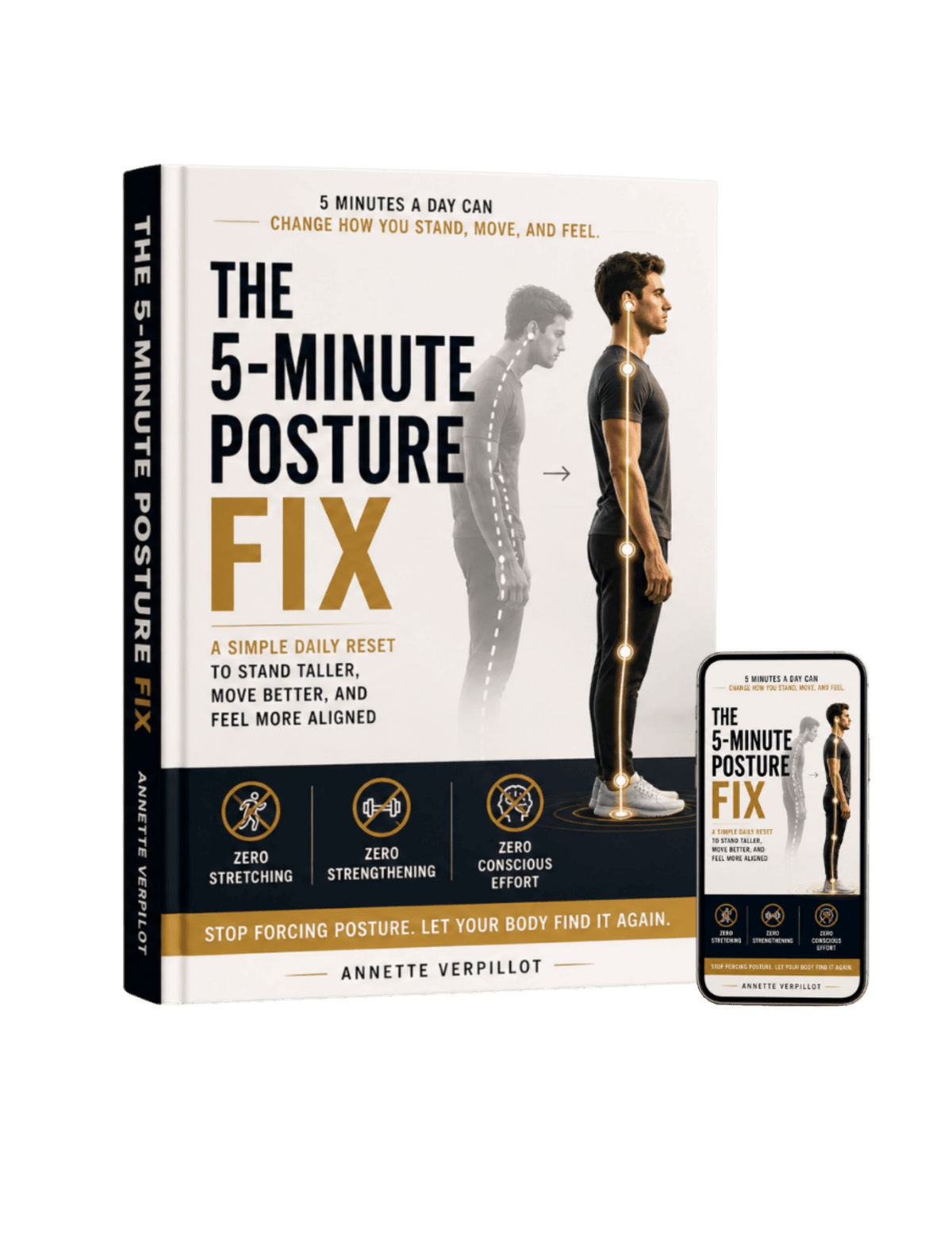
- ✓ Help reduce rounded shoulders and forward head posture caused by long hours sitting at a computer.
- ✓ Follow a simple, guided 5 minute routine designed for people who work from home or spend their days at a desk.
- ✓ Improve your posture without spending hours exercising, buying equipment, or constantly reminding yourself to sit up straight.
Common Questions About Desk Ergonomics
How high should an office chair be?
Set the chair so your feet are flat on the floor and your thighs are level with it, with your knees at roughly 90 degrees. If your feet cannot reach the floor, add a footrest.
What does a correct ergonomic desk setup involve?
Feet flat with the knees at roughly 90 degrees, the lower back against the chair's lumbar support, elbows at around 90 degrees with the keyboard close by and at elbow height, and the top of the screen level with or a little below your eyes, 50 to 65 cm away. The screen sits at right angles to any window to avoid glare, and the things you use most are within easy reach.
How should I adjust an ergonomic chair?
Begin with the seat height, so your feet rest flat and your thighs are roughly level. Tilt the backrest to around 100 to 110 degrees and fit the lumbar support into the hollow of your lower back. Next, set the armrests so your elbows sit at about 90 degrees with relaxed shoulders, and check there is a 5 to 8 cm gap between the seat edge and the backs of your knees.
How far away should my monitor be?
Keep the monitor 50 to 65 cm from your eyes, roughly an arm's length. The top of the screen should be level with or slightly below your eyes, so you look down at it at an angle of 10 to 20 degrees.
Can a poorly set-up desk cause back pain?
Yes. Poor office ergonomics often contributes to back pain, neck strain and other muscle and joint discomfort. A well-adjusted workstation reduces the static load that accumulates over a working day.
How often should I get up from my desk?
Have a short break every 30 to 60 minutes to stand up, move about or walk. Even two or three minutes of movement helps prevent stiffness and keeps blood flowing. The 20-20-20 rule is useful too: every 20 minutes, look at something about 6 metres (20 feet) away for 20 seconds.
Where should the keyboard sit to avoid wrist strain?
Keep your elbows at roughly 90 degrees with relaxed shoulders, and your wrists straight and level rather than bent upwards, downwards or to the side. The keyboard belongs at elbow height or a little lower.
Is an expensive ergonomic chair necessary?
No. A decent chair helps, but you do not have to spend a fortune. Look for adjustable seat height, lumbar support and adjustable armrests, and remember that a lumbar cushion or a rolled-up towel behind the lower back can improve almost any chair.
How can I make working on a laptop more ergonomic?
Put the laptop on a stand so the screen is at eye level, then use a separate keyboard and mouse. This avoids the neck strain of looking down at the screen. A document holder at screen height is useful as well.
Is standing at a desk better than sitting?
Standing desks are helpful when used well, but the real benefit comes from switching between sitting and standing. Begin with 15 to 30 minutes of standing each hour and build up. Standing still for hours creates strain of its own, so variety of movement matters most.
Which ergonomic change makes the biggest difference?
Monitor position usually has the greatest impact, as it determines how you hold your head and neck all day. Combining the right monitor height with a properly adjusted chair brings most people the largest improvement in comfort.
Why does my posture still feel wrong after setting up my desk perfectly?
Ergonomic furniture reduces the load on your body, but it cannot change the posture your brain considers normal. If your head drifts forwards or your shoulders curl as soon as your attention moves, the setup is only part of the answer. The resting pattern your brain falls back on has to change as well.
What is correct sitting posture at a desk?
Correct sitting posture at a desk means feet flat on the floor, knees at roughly 90 degrees, the lower back supported by the chair, shoulders relaxed rather than hunched and the top of the screen at eye height. It keeps your head balanced over your shoulders instead of creeping towards the screen, so no single area takes all the strain.
How can I sit better at my desk?
Start by adjusting the chair and monitor so the setup supports you: feet flat, elbows at roughly 90 degrees, screen at eye height. Then add movement, because changing position every 30 to 60 minutes is one of the most effective ways to improve how you sit, rather than holding a single position all day.
How do I correct my sitting posture?
Sort the setup first and the habit second. Put your chair, screen and keyboard into neutral positions, then take brief breaks to reset. If your posture keeps slumping as soon as you stop thinking about it, it is the resting pattern your brain falls back on that needs changing, not just the chair.
How can I stop slumping at my desk?
Fit the lumbar support into the hollow of your lower back, raise the screen so you are not looking down, and keep your feet flat so your pelvis stays upright. Slumping usually creeps back when the chair lets the lower back sag or the screen is too low, so correcting those two things removes most of it.
What is the right posture at a standing desk?
At a standing desk, keep your elbows at roughly 90 degrees, the top of the screen level with or just below your eyes, your weight spread evenly over both feet and your knees soft rather than locked. Good posture for desk work, whether sitting or standing, comes from moving between the two rather than staying in either for hours.
In what order should I fix my sitting posture at a desk?
Work through it step by step: chair height so your feet are flat, lumbar support into the hollow of your lower back, screen raised to eye height, keyboard at elbow height. After that, reset how you sit every 30 to 60 minutes. If you still slump with everything set correctly, the resting pattern your brain falls back on is the piece left to address.